
01
Character anchors
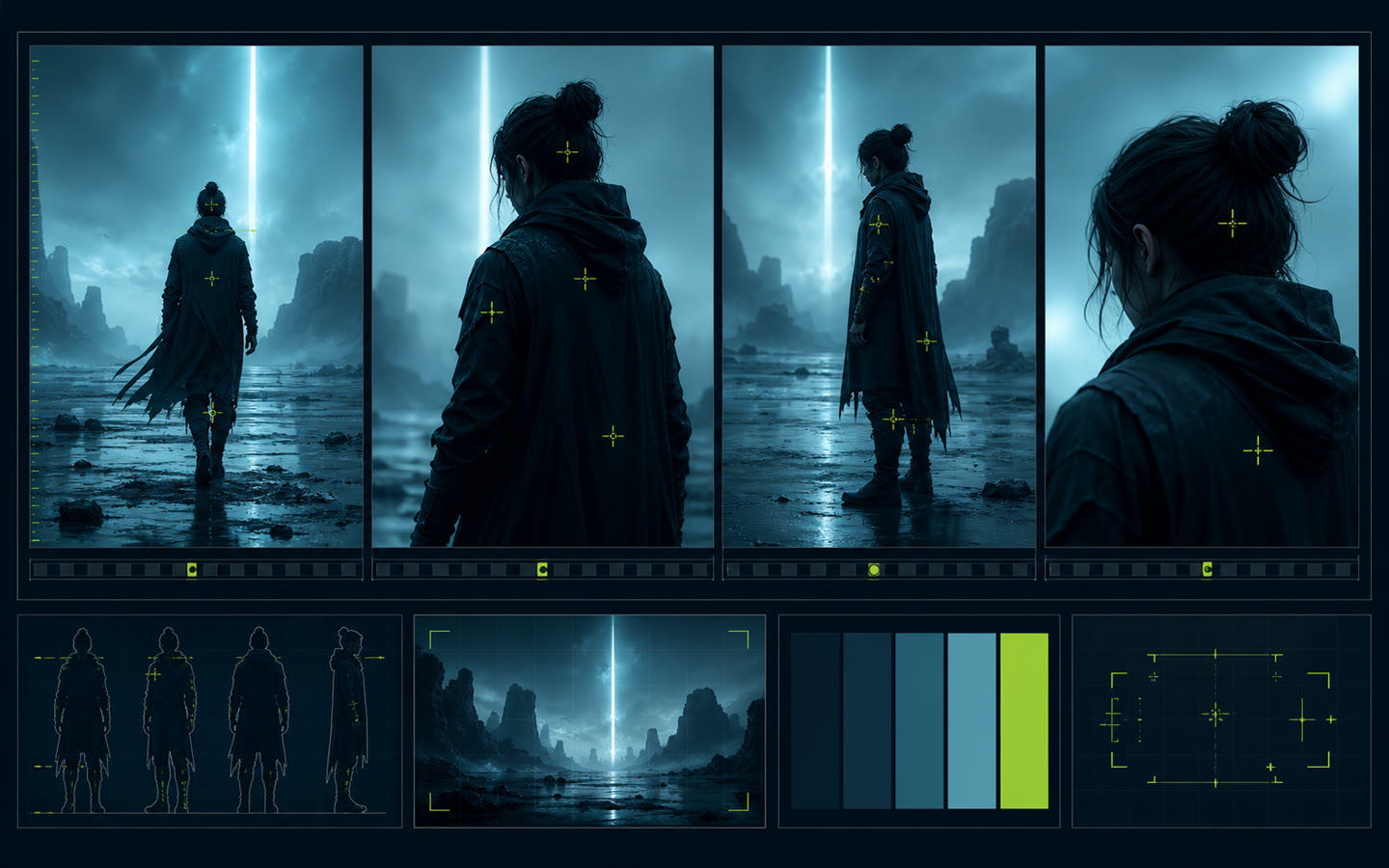
Define five visible details that do not change: silhouette, face, hair, wardrobe and one distinctive object.
Example: Compact service robot, oval screen face, chipped yellow shell, blue courier bag, red antenna tip.
Marcus Chia · Production control
Use a small set of locked visual anchors and a repeatable shot record so each generation belongs to the same character, location and cinematic world.
YOU WILL LEAVE WITH
A reusable continuity sheet for one character and one visual world
The working template
Define five visible details that do not change: silhouette, face, hair, wardrobe and one distinctive object.
Lock the location materials, time of day, weather, palette and light direction.
For every approved frame, record shot size, camera height, lens feeling, movement and the reference image used.
When regenerating, change only the action or framing. Keep the approved character and world anchors untouched.